How to Prepare Your Logo for Printing on a Paper Cup
You have a logo, but do you have the right file for a custom paper cup project? An image forwarded by email, a screenshot from your website and the designer’s original file can offer very different starting points. Gathering the right material before requesting a quote helps avoid a confusing sequence of revisions.
Use this checklist to prepare a clear artwork package for ASWAL. Accepted file types, the product template and production requirements still need to be confirmed for the specific cup and project.
Find the original logo file
Start with the files supplied when your brand identity was created. They may be held by your designer, agency or website manager. Ask for the original artwork and approved variations rather than copying a small image from an email signature.
Vector artwork describes shapes differently from a pixel-based image and can be resized without the same loss of sharpness. Adobe explains this distinction in its overview of SVG files. However, a vector-related file extension does not automatically make a document ready for production.
A PDF, for example, may contain a placed image rather than an editable logo built from vector shapes. Renaming an image with another extension does not change its contents. If you are unsure what the file contains, provide the original and ask for it to be reviewed.
Separate preview files from production artwork
An image may be suitable for a visual mock-up without meeting every production requirement. A configurator helps communicate the appearance you want. The artwork used for printing must follow the instructions confirmed for the selected product.
Keep those two purposes clear in your project folder: files used to show the idea and the version that will be approved for production. A screenshot of the preview can explain placement, but it should not become the only file supplied simply because it is easy to share.
When using Design My Cup, begin with a clear logo image and review the result. If it looks blurred or carries an unwanted background, look for a better source before treating the project as ready. Do not assume a small image will automatically be recreated during the ordering process.
Select the right brand version
A business may have a horizontal logo, a standalone symbol, a single-colour version and a full lockup with a tagline. Choose a version that remains clear at the intended size. A detail that works on a large storefront sign may be difficult to recognize on a cup.
- Identify the current business name and logo.
- Separate colour and single-colour variations.
- State whether the tagline is required or optional.
- Confirm permission to use any partner logos.
- Remove superseded files from the approval folder.
If the design needs adapting, have the changes reviewed by the person responsible for the brand. Simplifying a layout can improve readability, but the elements that make the business recognizable should remain intentional. Avoid letting several people create competing versions without a shared approval process.
Collect colour references and final wording
Include the colour specifications available in your brand guidelines. Explain where they come from and ask how they will be handled for printing. A colour viewed on a screen is not, by itself, approval of how it will appear on the cup.
Supply carefully reviewed wording that can be checked against the artwork. Business names, accents, capital letters and contact information deserve a separate reading. The logo itself may be correct while a small website address added underneath contains a mistake.
If the brand uses a particular typeface, ask how text should be prepared in the final artwork. Do not assume the person receiving the file has the same font available. Follow the confirmed instructions for preserving the intended appearance of the lettering.
Request the template for the selected cup
A paper cup is a curved object. A rectangular layout made without the relevant template may need adaptation before printing. Confirm dimensions and areas to respect for the chosen reference rather than borrowing a template intended for another container.
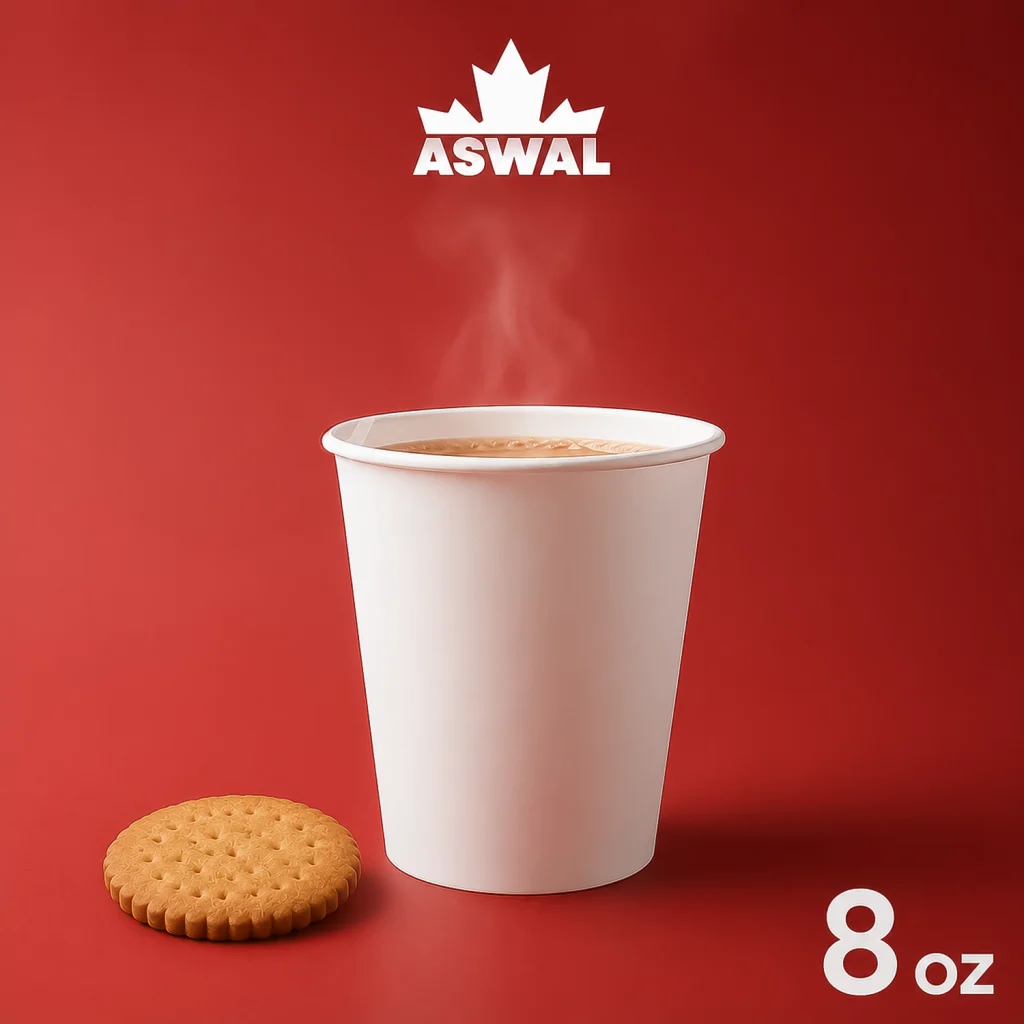
ASWAL’s 8 oz Hot Paper Cup, Ø80 mm and 12 oz Hot Paper Cup, Ø90 mm should not be treated as one identical artwork surface. If the order includes several sizes, identify the files and approvals that belong to each one.
Avoid inventing a safety margin or assuming a printable width from a product photograph. Those details should come from the production instructions. While waiting for the confirmed template, you can still prepare the brand assets, wording and preferred arrangement of the design.
Check readability at the intended size
View or print a representation at the proposed size to review the smaller elements. This can reveal text that is too subtle or a composition that feels crowded. It remains separate from the supplier’s technical review of the artwork file.
| Element |
Review question |
| Business name |
Can it be read quickly without enlarging the image? |
| Tagline |
Is it useful and readable at this size? |
| Website address |
Is it correct and concise enough for the design? |
| Scannable code |
Is a check on the intended printed surface planned? |
| Partner logos |
Are the versions and positions approved? |
Ask someone who did not develop the design to check the contact details. A fresh reader may spot an error the project team has stopped noticing after several versions. Consolidate corrections before requesting a new proof so that one revision does not contradict another.
Name files and assign approval responsibility
Use filenames that distinguish the project, cup size and version. A consistent structure containing the brand name, capacity and date is easier to follow than a sequence of files called “final,” “final2” and “newfinal” with no approval record.
Appoint one person to combine feedback and give the final agreement. Keep the approved file with the quote and product references. If something changes afterwards, identify the change explicitly and ask how it affects preparation of the order.
This record matters for repeat orders as well. A new staff member should be able to find the approved version without searching through an old email chain or guessing which attachment was used. Keep rejected concepts separate from files authorized for reuse.
Send a package that is easy to review
Before submitting the project, gather the original logo, colour references, approved wording, proposed sizes and a preview of the intended placement. Identify anything still awaiting confirmation instead of presenting the whole package as final.
Our guide to customizing paper cups with your logo puts file preparation into the wider ordering process. You can then request an ASWAL quote and confirm the template, required files and approval steps. An organized artwork package makes decisions easier to check now and easier to retrieve when it is time to reorder.